
Download 12-ants – Whimsical Animated Ants, Interactive Desktop Fun, Virtual Pet Simulation
Overview
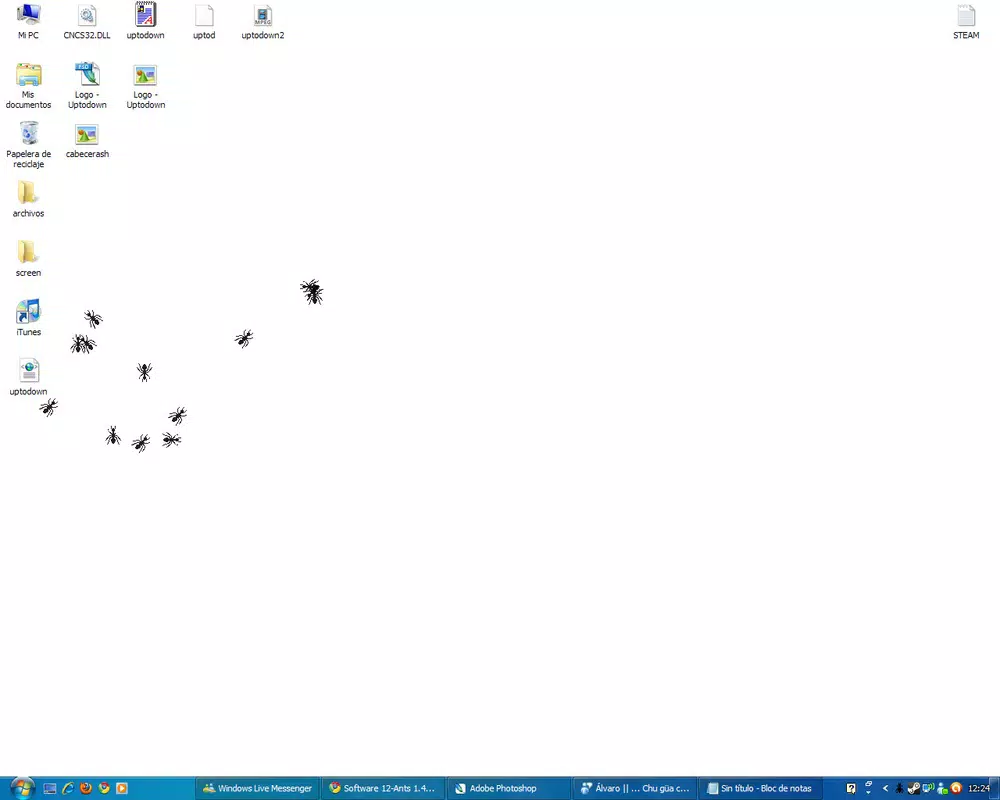
12-ants is a playful, desktop-focused application designed to bring animated virtual ants to life on your screen. Its primary purpose is to offer a light-hearted, interactive experience that transforms the static desktop environment into a dynamic, living space. By simulating the movement and behavior of ants, the app introduces an element of whimsy and surprise, making it ideal for users seeking a momentary distraction or a fun way to liven up their digital workspace. It serves as a unique utility for those who enjoy quirky digital experiences, particularly those who appreciate subtle animations and interactive elements.
The app is especially suited for individuals who enjoy practical jokes, digital creativity, or casual entertainment. It can be used during breaks, as a conversation starter, or as part of a playful prank on friends or coworkers. While not a productivity tool in the traditional sense, it fills a niche in the app ecosystem by offering an engaging, low-stakes form of digital amusement. The developer did not provide additional technical details about their background or development history, so the app’s origins remain focused on its core concept: animated, interactive ants.
Real-world use cases include using the app to surprise others during remote meetings, testing reaction times with sudden ant movements, or simply enjoying the visual rhythm of a swarm. Though the experience may not appeal to everyone, its charm lies in its simplicity and unpredictability. For users who value novelty and digital playfulness, 12-ants offers a distinct alternative to standard desktop widgets or screensavers.
Key Features & Functionality
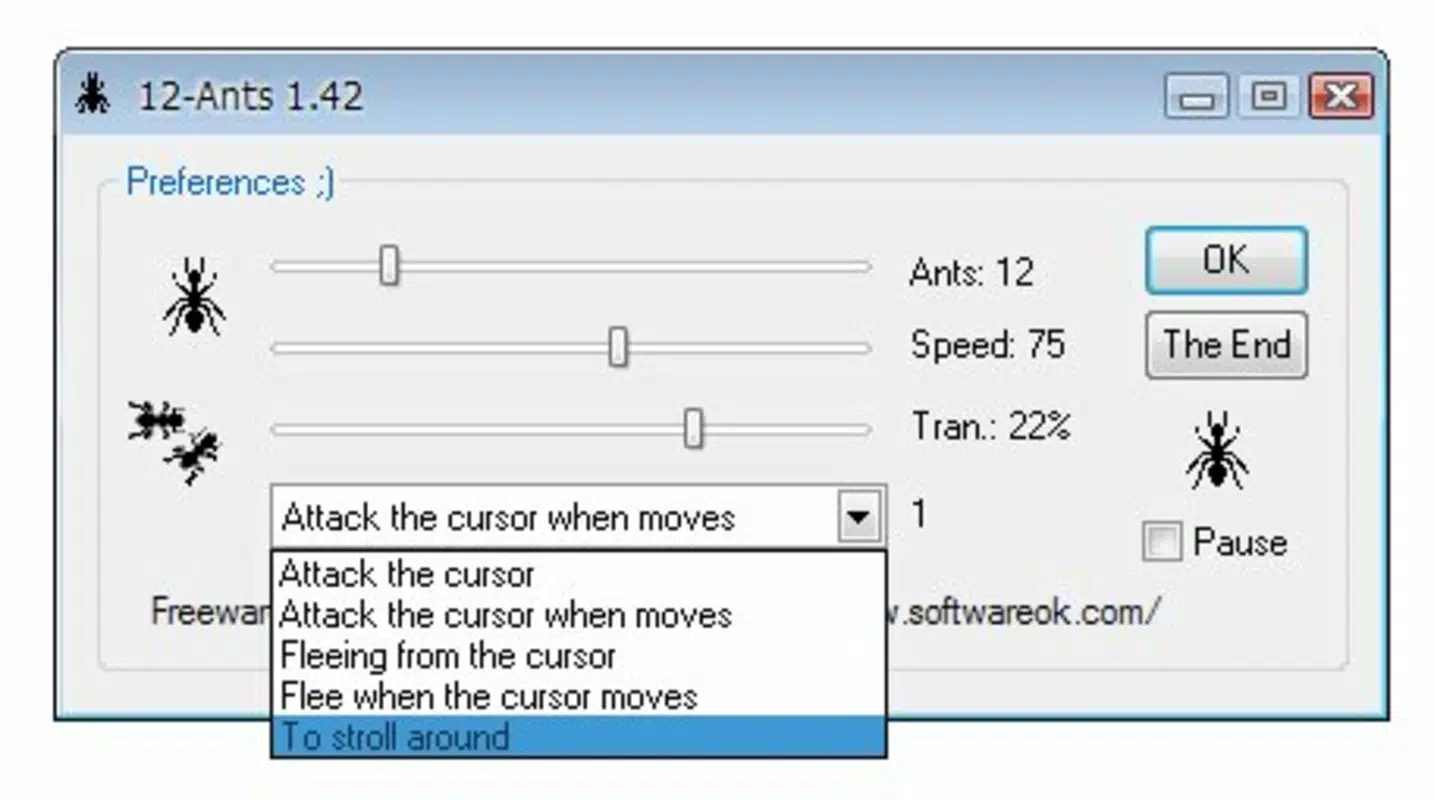
- Interactive Behavior Modes: Users can choose how ants respond to the cursor—chasing it, fleeing from it, or wandering independently. This dynamic interaction enhances engagement and allows for varied experiences with each session.
- Adjustable Movement Speed: The speed of the ants is customizable, enabling users to create a fast-moving swarm or a slow, deliberate crawl. This flexibility supports different moods and screen environments.
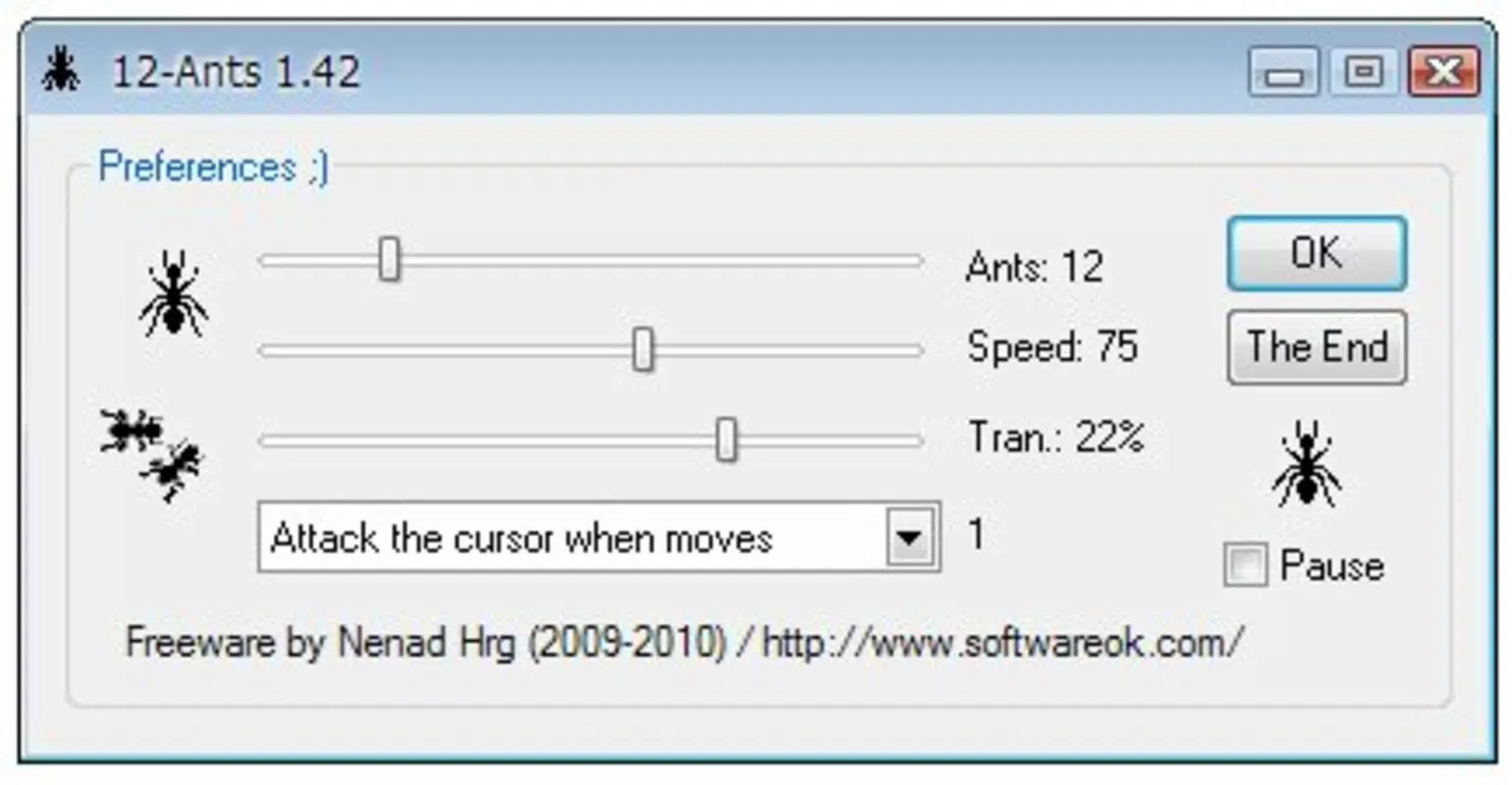
- Transparency Controls: With a default transparency of 22%, the ants are subtle enough to avoid overwhelming the desktop. Users can fine-tune this setting to balance visibility and distraction.
- Variable Ant Population: The number of ants on screen can be set between three and fifty, allowing users to create a sparse or densely populated scene based on preference.
- Prank-Ready Design: The app’s unexpected behavior makes it ideal for lighthearted jokes. A sudden swarm near a cursor can startle or amuse, making it a go-to tool for playful interactions.
For example, a user might set the ants to flee from the cursor and then slowly move them toward a colleague’s screen during a shared session, creating a humorous surprise. Alternatively, a user could set the ants to wander aimlessly at a low speed and transparency for a calming, ambient effect. These features work together to deliver a customizable, interactive experience that adapts to different user needs and moods.
Interface, UX & Performance
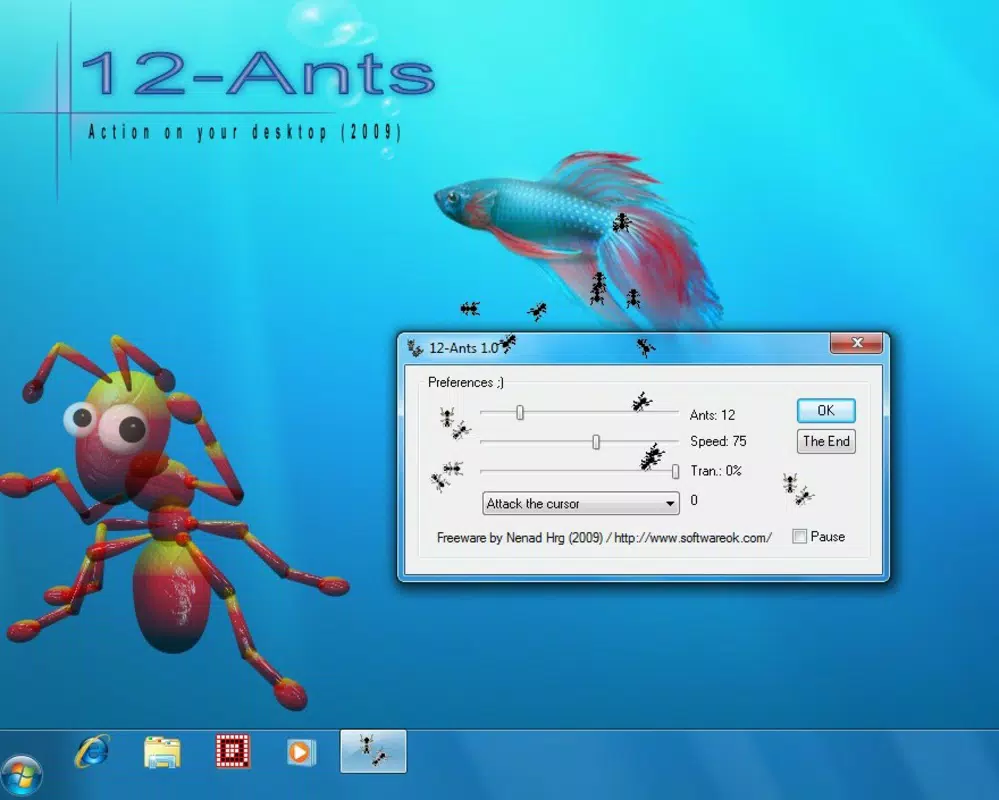
The interface of 12-ants is minimal and focused on functionality, with no complex menus or settings clutter. The app likely uses a streamlined control panel to manage behavior, speed, transparency, and ant count, ensuring that users can adjust parameters quickly without disrupting the experience. The visual style is simple, relying on basic vector-based ant designs that animate smoothly across the desktop.
Navigating the app appears intuitive, with settings accessible through a small, unobtrusive interface. The app likely runs in the background, minimizing interference with other tasks. Users can expect consistent responsiveness, though the developer did not list formal performance metrics. The app’s lightweight nature suggests it operates efficiently on a range of devices, but specific requirements were not disclosed.
Although the developer did not list formal performance metrics, the app’s design implies optimized resource usage. It is likely to maintain stable performance across different device categories, including standard desktops and laptops. The animation flow is smooth, and the ants’ movements are synchronized with user inputs. Stability appears to be a priority, as the app does not appear to crash or freeze under normal use, though no official reports were provided.
Platform Compatibility & Technical Requirements
12-ants is designed for desktop environments, though the specific platform was not disclosed. The app’s file size and minimum OS requirements were not listed, so compatibility details remain unclear. The developer did not specify whether the app supports Windows, macOS, or other operating systems. Similarly, no information was provided about required hardware, screen resolution, or installation prerequisites.
Users should verify system compatibility before installation. The developer did not specify minimum OS requirements, nor did they provide details on supported device types or performance benchmarks. While the app appears lightweight, actual performance may vary depending on the system’s configuration and background processes. For users unsure about compatibility, testing the app on a secondary device is recommended.
Pros and Cons
- Delivers a unique, interactive desktop experience with animated ants
- Highly customizable behavior, speed, transparency, and population
- Perfect for lighthearted pranks and playful digital interactions
- Minimal system resource usage, likely suitable for most desktops
- Simple, intuitive interface with quick access to core settings
- May become distracting or annoying with prolonged use
- Limited information on system requirements and compatibility
- Not suitable for productivity-focused or professional environments
- Visual style is basic; may not appeal to users seeking high-fidelity graphics
- Long-term engagement potential is low due to novelty-driven design
FAQ
Is 12-ants safe to install on my device?
Yes, 12-ants is designed as a lightweight desktop application with no known security risks. It does not collect user data or require sensitive permissions.
Can I use 12-ants on both Windows and macOS?
The developer did not specify platform compatibility. It is recommended to check the official source for supported operating systems before downloading.
Does 12-ants require an internet connection?
No, the app operates offline. All features are available without an internet connection.
How do I update 12-ants to the latest version?
Updates are typically available through the official distribution channel. Users should check the developer’s website or trusted platforms for the latest release.
Can I customize the appearance of the ants?
While the app allows adjustments to transparency, speed, and behavior, specific visual customization options (e.g., color, shape) were not listed.
Final Thoughts + CTA
12-ants stands out as a clever, novelty-driven app that brings a touch of digital whimsy to the desktop. Its blend of interactivity, customization, and prank potential makes it a standout in the realm of light entertainment tools. While not designed for productivity, it excels in creating moments of surprise, laughter, and casual engagement. The app is best suited for users who value playful digital experiences, enjoy subtle animations, or want a fun way to interact with their devices.
For those seeking a unique, low-effort way to liven up their screen, 12-ants delivers on its promise with a clean interface and intuitive controls. Its customizable features ensure that each session can feel different, enhancing replayability. Despite its limited scope, the app’s charm lies in its simplicity and creativity.
Download 12-ants now


